8 Best Calendly Alternatives in 2026 (+ Bonus, Compared)
Calendly works. But once you add a second team member, a custom domain, or anything resembling enterprise admin, the cracks show. Below are eight tools worth a look: open-source picks, team-first picks, and the still-decent incumbents, with features, pricing, and trade-offs side by side. Plus one bonus pick for teams already on Microsoft 365.
Quick comparison
| Overall rating (features, UX) | ⭐⭐⭐⭐⭐ | ⭐⭐⭐ | ⭐⭐⭐ | ⭐⭐⭐⭐ | ⭐⭐⭐⭐ | ⭐⭐ | ⭐⭐ | ⭐⭐ |
| Scheduling Features | ||||||||
| One-on-one | ✓ | ✓ | ✓ | ✓ | ✓ | ✓ | ✓ | ✓ |
| Group scheduling | ✓ | ✓ | ✓ | ✓ | ✓ | ✓ | ✓ | ✓ |
| Team scheduling (round robin) | ✓ | ✓ | ✓ | ✓ | ✓ | ✕ | ✓ | ✓ |
| Open-source / self-host | ✕ | ✕ | ✕ | ✓ | ✕ | ✕ | ✕ | ✕ |
| Customization | ||||||||
| Custom branding | ✓ | ✓ | ✓ | ✓ | ✓ | ✓ | ✕ | ✓ |
| Custom domain | ✓ | ✕ | ✕ | ✓ | ✓ | ✕ | ✕ | ✕ |
| Branded email sender | ✓ | ✕ | ✕ | ✕ | ✕ | ✕ | ✕ | ✕ |
| Custom CSS | ✓ | ✕ | ✕ | ✓ | ✕ | ✕ | ✕ | ✕ |
| Integrations | ||||||||
| Google Calendar sync | ✓ | ✓ | ✓ | ✓ | ✓ | ✓ | ✓ | ✓ |
| Outlook Calendar sync | ✓ | ✓ | ✓ | ✓ | ✓ | ✓ | ✓ | ✓ |
| Zoom integration | ✓ | ✓ | ✓ | ✓ | ✓ | ✓ | ✓ | ✓ |
| MS Teams integration | ✓ | ✓ | ✓ | ✓ | ✓ | ✓ | ✓ | ✓ |
| Google Meet integration | ✓ | ✓ | ✓ | ✓ | ✓ | ✓ | ✓ | ✓ |
| Team Administration | ||||||||
| Multiple users | ✓ | ✓ | ✓ | ✓ | ✓ | ✓ | ✓ | ✓ |
| Account impersonation | ✓ | ✕ | ✕ | ✕ | ✕ | ✕ | ✕ | ✕ |
| Audit logs | ✓ | ✕ | ✕ | ✓ | ✕ | ✕ | ✓ | ✓ |
| SAML SSO | ✓ | ✕ | ✕ | ✓ | ✕ | ✓ | ✓ | ✓ |








Here is our shortlist:
- Sprintful: best for teams, custom domain, branded email sender
- Acuity Scheduling: best for service businesses (salons, clinics, classes)
- YouCanBookMe: simple and cheap for individuals
- Cal.com: open-source and self-hostable
- SavvyCal: overlay-style scheduling for power users
- Doodle: group polls and quick consensus scheduling
- HubSpot Meetings: free if you already use HubSpot CRM
- OnceHub (formerly ScheduleOnce): large-team scheduling with routing
- Microsoft Bookings (bonus): free with Microsoft 365
Sprintful
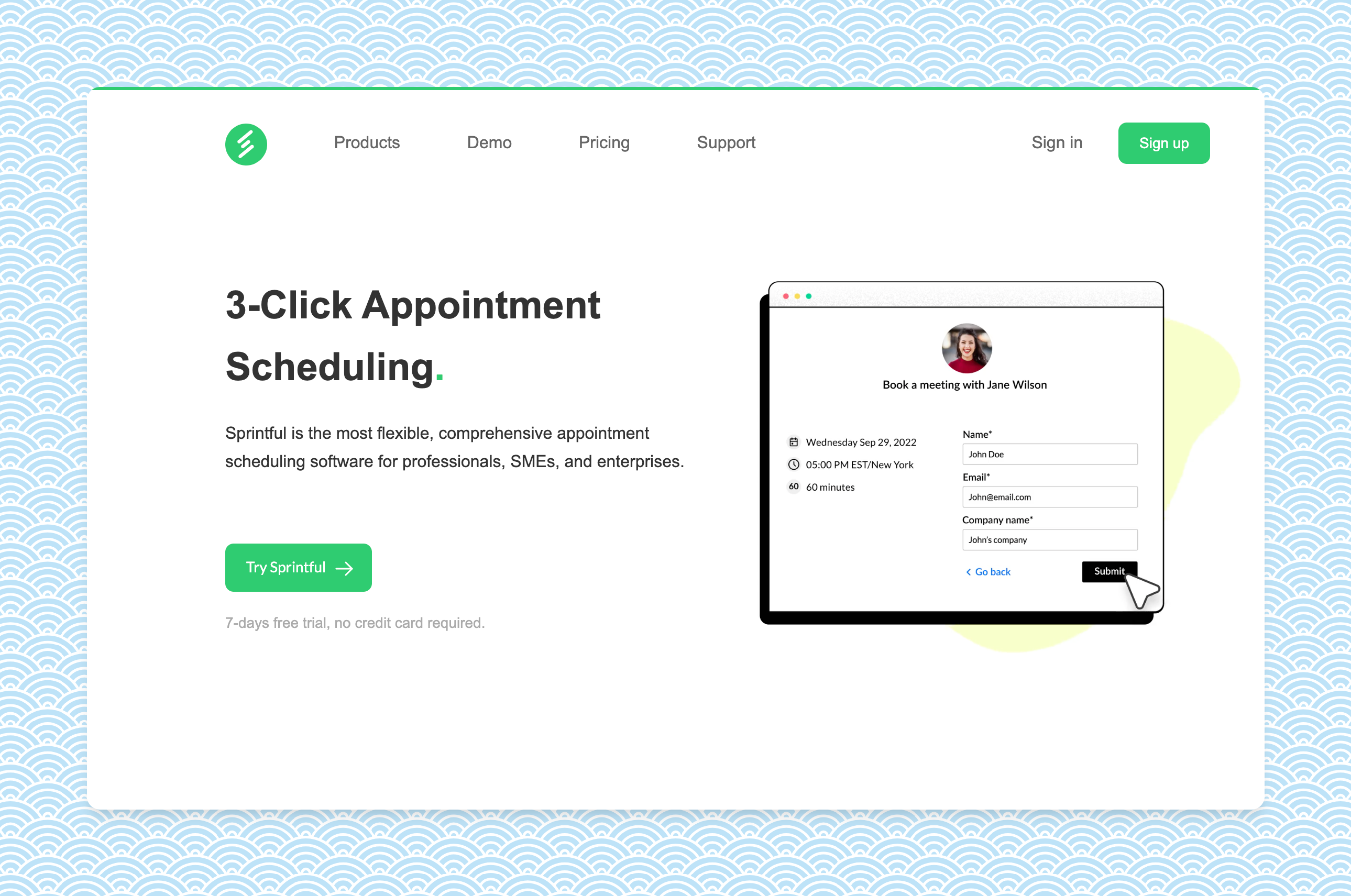
Sprintful is built for teams and businesses that don't want their booking page to look like someone else's product. The pitch is simple: your domain, your design, your email sender, your team controls. Customers include Fortune 500 companies, government entities, and universities.
What makes Sprintful a great Calendly alternative?
Most schedulers gate brand control and team admin to their Enterprise tier. Sprintful turns those on at the entry tier. Bookings live on your-brand.com, with SSL handled for you. Confirmations, reminders, and reschedule emails go out from @your-company.com, not from a generic vendor address, so the booking experience reads as your team, not a third-party tool.
Top Sprintful features
- Custom domain included, with full SSL handled for you.
- Branded email sender (notifications from @your-company.com).
- Custom CSS / HTML on booking pages.
- SMS notifications with your own caller-ID.
- Team admin: roles & permissions, centralized availability and branding, team-wide and resource-specific audit logs, account impersonation.
- Enterprise security: SAML SSO, enforced 2FA, custom auth policies.
- Integrations: Google Calendar, Outlook, Microsoft Teams, Zoom, Zapier, and more.
Sprintful cons
- No legacy-calendar integration (CalDAV/WebDAV).
- Solo-user pricing is competitive but not the cheapest in this list.
Pricing
Trial: 7-day free trial
Billing: monthly and annual
Basic $9 / user / month
Professional $19 / user / month
Business $49 / user / month
Enterprise: contact sales
Acuity Scheduling
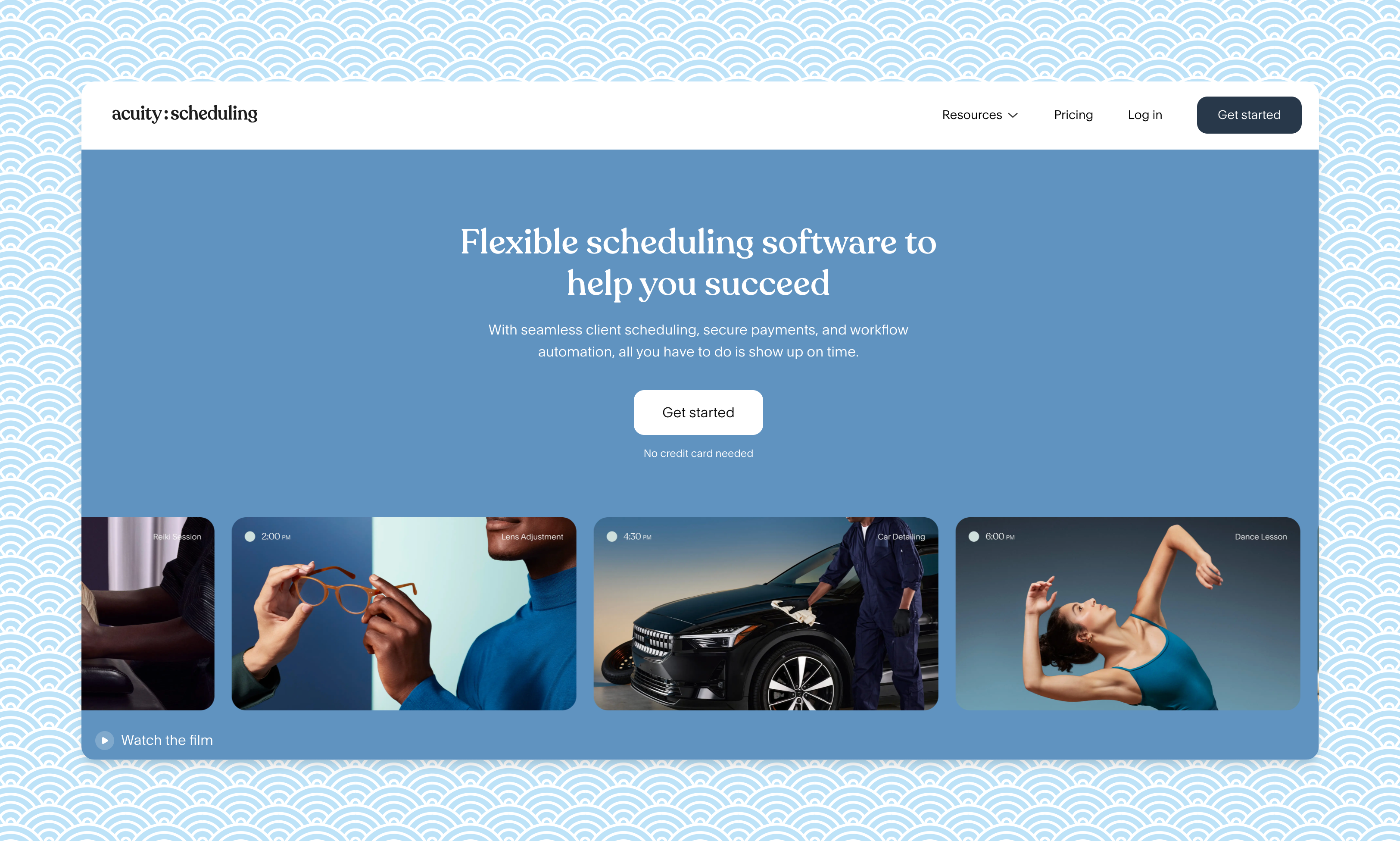
Acuity Scheduling, a Squarespace company, is the go-to for service businesses that need clients to schedule and pay in one flow: salons, dental clinics, gyms, yoga studios, coaches.
What makes Acuity a great Calendly alternative?
Acuity's strength is packaged services: gift certificates, memberships, packages, group classes, and HIPAA BAA on the top tier. Payments are first-class via Stripe, Square, and PayPal. Integrations cover Zoom, Google Meet, Zapier, QuickBooks, Mailchimp, and the calendar suspects.
If you've outgrown Acuity, here's an Acuity alternative comparison.
Top Acuity features
- Sell appointment packages, memberships, gift certificates.
- Coupons, vouchers, and optional client tipping.
- Customizable email and SMS reminders (SMS from Standard tier up).
- QuickBooks, Freshbooks, Mailchimp integrations.
Acuity cons
- Custom CSS only on the Premium plan ($49/mo).
- No custom domain. Booking lives on acuityscheduling.com.
- No team admin / impersonation / audit log.
Pricing
Trial: 7-day free trial
Billing: monthly and annual (annual saves 20%)
Starter $16 / month
Standard $27 / month
Premium $49 / month
YouCanBookMe
YouCanBookMe is a clean, simple scheduler. It's a fair pick for individuals and small teams that want most of Calendly's basics at a lower per-seat cost.
What makes YouCanBookMe a great Calendly alternative?
YCBM keeps the surface area small: a tidy booking page, calendar sync, payments via Stripe, and standard integrations (Google Calendar, Zoom, Zapier). Their free plan is usable for one calendar and one booking page.
Top YCBM features
- Automated email follow-ups.
- Booking-page password protection.
- Accept or reject bookings before they hit your calendar.
- Annual and 2-year billing with up to 20% off.
YCBM cons
- No custom domain.
- No custom CSS.
- No team admin / audit log / impersonation.
Pricing
Trial: 14-day free trial (no credit card)
Billing: monthly, annual, biennial
Free plan: 1 calendar, 1 booking page
Paid tiers (Individual / Professional / Team): see current pricing. Paid plans add multiple calendars, custom branding, SMS, and workflows.
Cal.com
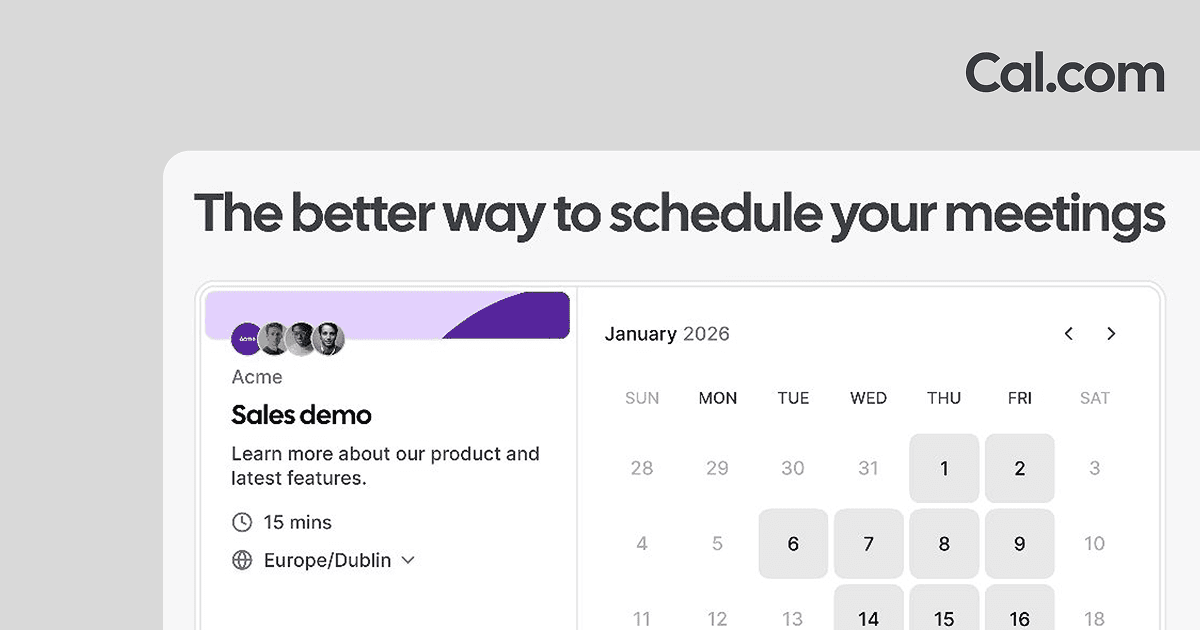
Cal.com is the open-source Calendly alternative: MIT-licensed, self-hostable, and free forever for individuals on the hosted plan. If "we don't want our scheduling data sitting in someone else's cloud" is a real constraint, this is the answer.
What makes Cal.com a great Calendly alternative?
It's the only mainstream pick where you can read the source code, run it on your own infrastructure, and customize beyond what the SaaS UI allows. The hosted product covers individual scheduling well at $0; team and SAML-grade features are paid.
Top Cal.com features
- MIT-licensed; self-hostable via Docker or Vercel.
- Free hosted plan: unlimited event types, unlimited calendars, 100+ app integrations.
- Round-robin, collective, and managed events on Teams tier.
- SAML SSO and SCIM on Organizations tier; SOC 2, HIPAA, ISO 27001 paths.
- Strong developer ecosystem (webhooks, API, headless embeds).
Cal.com cons
- UX is busier than Calendly's, with more knobs to turn.
- Custom domain is only on Organizations ($28/user/month).
- Self-hosting is real work; the hosted product is the practical default for most teams.
Pricing
Trial: 14-day trial on paid tiers
Billing: monthly and annual (annual saves 25%)
Free: $0 / month (individual)
Teams: $12 / user / month
Organizations: $28 / user / month
Enterprise: custom (dedicated infrastructure, SLA, support)
SavvyCal

SavvyCal is the power-user pick. Its signature move: instead of dumping a list of slots on your invitee, it overlays your availability on top of their calendar so they can pick a slot that's good for both of you.
What makes SavvyCal a great Calendly alternative?
The overlay UX is unusually thoughtful for higher-volume schedulers (recruiters, founders, sales). Custom domains and paid bookings are on the Premium tier.
Top SavvyCal features
- Calendar-overlay scheduling experience for invitees.
- Custom domain on Premium tier.
- Delegated access and paid bookings.
- Unlimited calendars, links, and team scheduling on the entry plan.
SavvyCal cons
- No free tier, just a money-back guarantee.
- No audit log or admin-impersonation.
Pricing
Trial: 30-day money-back guarantee
Billing: monthly and annual
Basic $12 / user / month
Premium $20 / user / month
Doodle
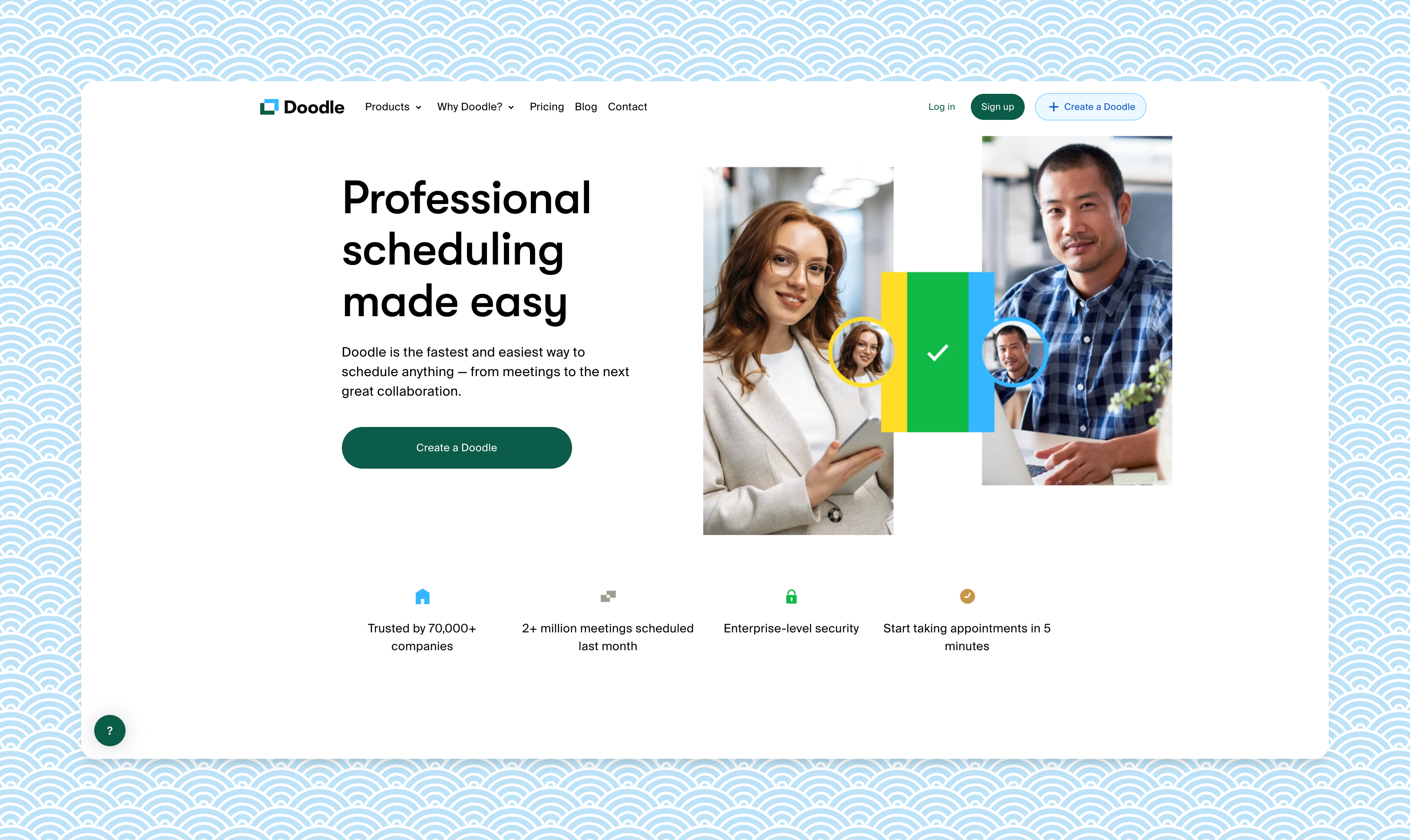
Doodle is the group-poll incumbent. Its real strength isn't 1:1 booking; it's helping a roomful of people converge on a meeting time without a dozen emails.
What makes Doodle a great Calendly alternative?
Propose several time options, let participants vote, lock the slot that works. Doodle now also handles 1:1 booking pages and sign-up sheets, plus Google Meet, Zoom, Teams, and Webex.
Top Doodle features
- Group polls: the original use case, still best-in-class.
- Sign-up sheets for office hours, parent-teacher slots, etc.
- Stripe payments.
- AI-generated meeting descriptions on Pro and up.
Doodle cons
- 1:1 booking UX is less polished than purpose-built tools.
- No custom domain.
- SSO and SLA only on Enterprise.
Pricing
Trial: free tier available
Billing: annual (with monthly option at a premium)
Free: $0 / user / month
Pro: $11 / user / month (annual)
Team: $8.95 / user / month (annual, min 5 users)
Enterprise: custom
HubSpot Meetings
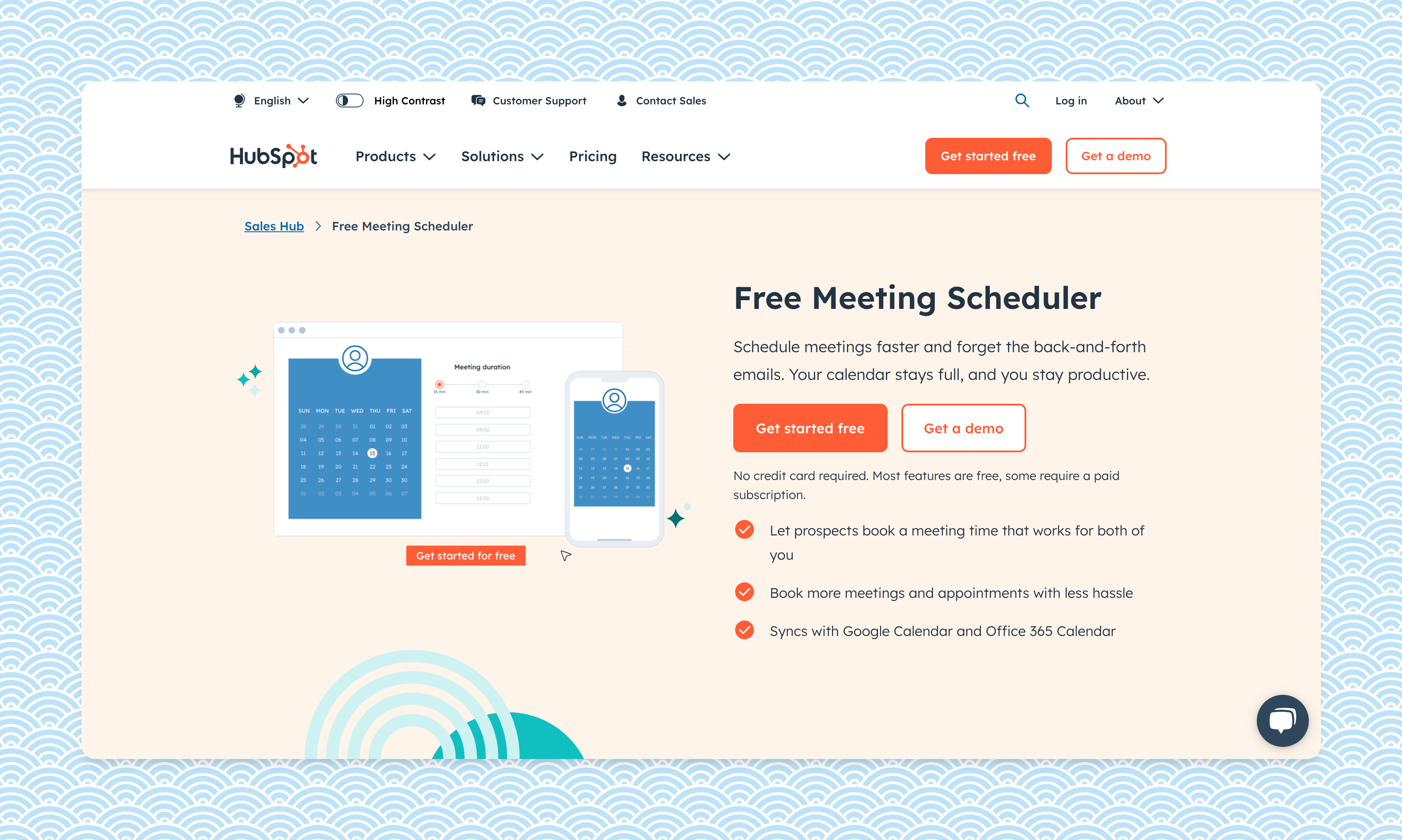
HubSpot Meetings is the scheduler bundled into HubSpot Sales Hub. If your team already lives in HubSpot CRM, it's the path of least resistance, and the basics are free.
What makes HubSpot Meetings a great Calendly alternative?
Tight CRM integration. Every booking logs against the contact record automatically. Round-robin assignment, group meetings, and basic team scheduling are included on the free Sales Hub tier.
Top HubSpot Meetings features
- Native HubSpot CRM logging: every meeting becomes a tracked activity.
- Round-robin and group meetings.
- AI meeting assistant on paid Sales Hub tiers.
HubSpot Meetings cons
- Best value only if you already pay for HubSpot. Sales Hub paid tiers are expensive vs standalone schedulers.
- No custom domain.
- Branding control is limited.
Pricing
Free in HubSpot CRM (Sales Hub free tier).
Sales Hub paid tiers (Starter / Professional / Enterprise) add CRM seats, automation, and AI features. See HubSpot Sales pricing.
OnceHub (formerly ScheduleOnce)
OnceHub (renamed from ScheduleOnce) targets large sales and revenue teams. Routing forms, dynamic assignment, and conversational scheduling are the differentiators.
What makes OnceHub a great Calendly alternative?
If you need to route a prospect to "the right account exec based on their answers to a form", OnceHub handles that natively. Multi-host meetings, dynamic assignment, and chatbots are all on tier.
Top OnceHub features
- Routing forms with dynamic team assignment.
- Web chatbots and AI scheduling on the Engage plan.
- Multi-host meetings and room scheduling.
- Free Basic tier (1 user, 1 calendar, 1 link).
OnceHub cons
- UX feels enterprise-ish, with more config than most teams need.
- SSO and HIPAA require a paid security add-on ($5/seat/month).
- No custom domain.
Pricing
Trial: 14-day trial of the Engage plan
Billing: monthly per seat
Basic: free (1 user)
Schedule: $10 / seat / month
Route: $19 / seat / month
Engage: $39 / seat / month
Enterprise: custom (30+ users)
Bonus: Microsoft Bookings
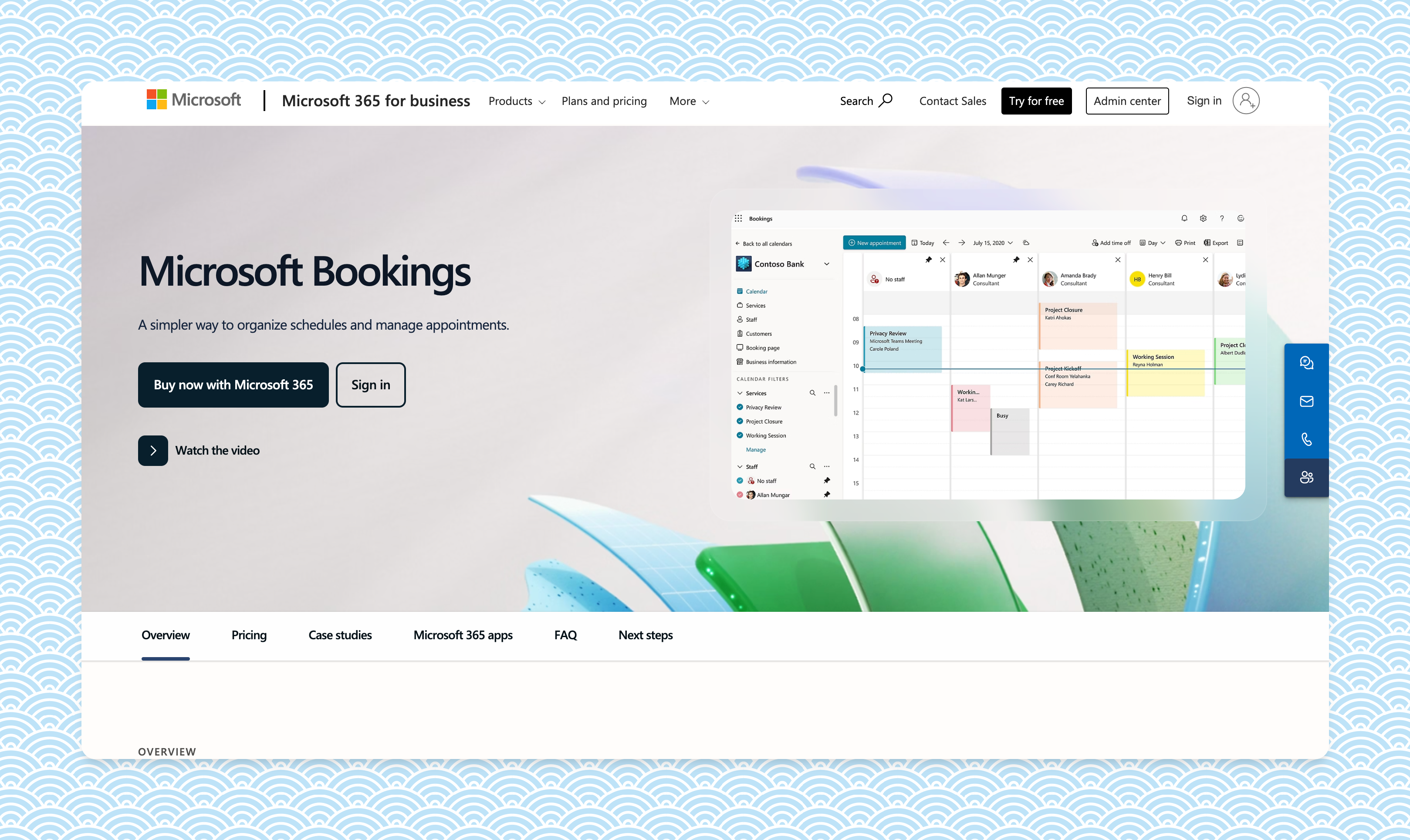
Microsoft Bookings doesn't appear in our comparison table because it's bundled into Microsoft 365 Business plans rather than sold as a standalone scheduler. But if you already pay for M365, you already own this, and for some teams that's reason enough.
What makes Microsoft Bookings a great Calendly alternative?
Tight integration with Outlook, Teams, and the rest of the Microsoft stack. One-on-one and group meetings, available as a tab inside Teams.
Top Microsoft Bookings features
- Native Outlook, Teams, and Skype integration.
- Available inside the Teams app.
- Custom URL (under bookings.ms.com) supported on most M365 plans.
Microsoft Bookings cons
- Bundled with M365 only, not available standalone.
- No Zoom integration.
- No accepting payments.
- No custom CSS / true custom domain.
Pricing
Bundled into Microsoft 365 Business plans:
Business Basic $6 / user / month (annual), includes Bookings
Business Standard $12.50 / user / month
Business Premium $22 / user / month
Frequently asked questions
Is there a free Calendly alternative?
Yes. Cal.com is open-source and free for individuals. Doodle, HubSpot Meetings, OnceHub, and YouCanBookMe also offer free tiers, though each restricts the number of booking pages, calendars, or integrations. If you already pay for Microsoft 365 Business Basic, Microsoft Bookings is included at no extra cost.
What's the best Calendly alternative for teams?
Sprintful is built around team admin: roles and permissions, centralized availability and branding, team-wide and resource-specific audit logs, and account impersonation. Custom domain, branded email sender, and team admin are all on at the entry tier, not gated to Enterprise. HubSpot Meetings and OnceHub also handle round-robin team scheduling well, but they keep custom-domain and audit features for higher tiers.
Calendly vs Cal.com: which should I pick?
Cal.com is open-source, self-hostable, and free for individuals. Calendly is closed-source and starts paid at $10/user/month. If you want code-level customization or to host your own data, Cal.com wins. If you want zero setup and the most polished UX out of the box, Calendly is still the easier path. But most of its "must-have" features are now available elsewhere.
Can I use a custom domain with a Calendly alternative?
Sprintful supports custom domains on the entry tier with SSL handled for you. Booking lives at your-brand.com, not on a vendor URL. Cal.com supports it on the Organizations plan ($28/user/month). Most other tools (Acuity, YouCanBookMe, Doodle, HubSpot Meetings, OnceHub) do not support a true custom domain.
Is Calendly's free plan good enough?
It works for one person with one event type. The moment you need multiple event types, team scheduling, branding, or integrations beyond Google Calendar, you'll hit the paid wall. At that point Cal.com (free, more features) or Sprintful (paid but team-ready from the start) are usually better value.
Which scheduling tool integrates with both Google Calendar and Outlook?
All nine tools on this list integrate with Google Calendar and Outlook/Microsoft 365. The difference is in conflict detection across multiple calendars: Sprintful, Cal.com, SavvyCal, and YouCanBookMe support connecting several calendars per user on their entry tier; Acuity and OnceHub gate multi-calendar connections to higher tiers.
What's the best Calendly alternative for you?
If you want brand control or proper team admin, Sprintful is the pick. Custom domain, branded notifications, and team admin are on at the entry tier, not gated to Enterprise.
If you want open-source and self-hostable, pick Cal.com.
If you sell services, packages, or memberships, pick Acuity.
If you live inside HubSpot or Microsoft 365, use what's already bundled.
Free trials exist for nearly all of these. Testing two of them side by side for a week will tell you more than any comparison table.